Video conversion with hardware acceleration and batch processing
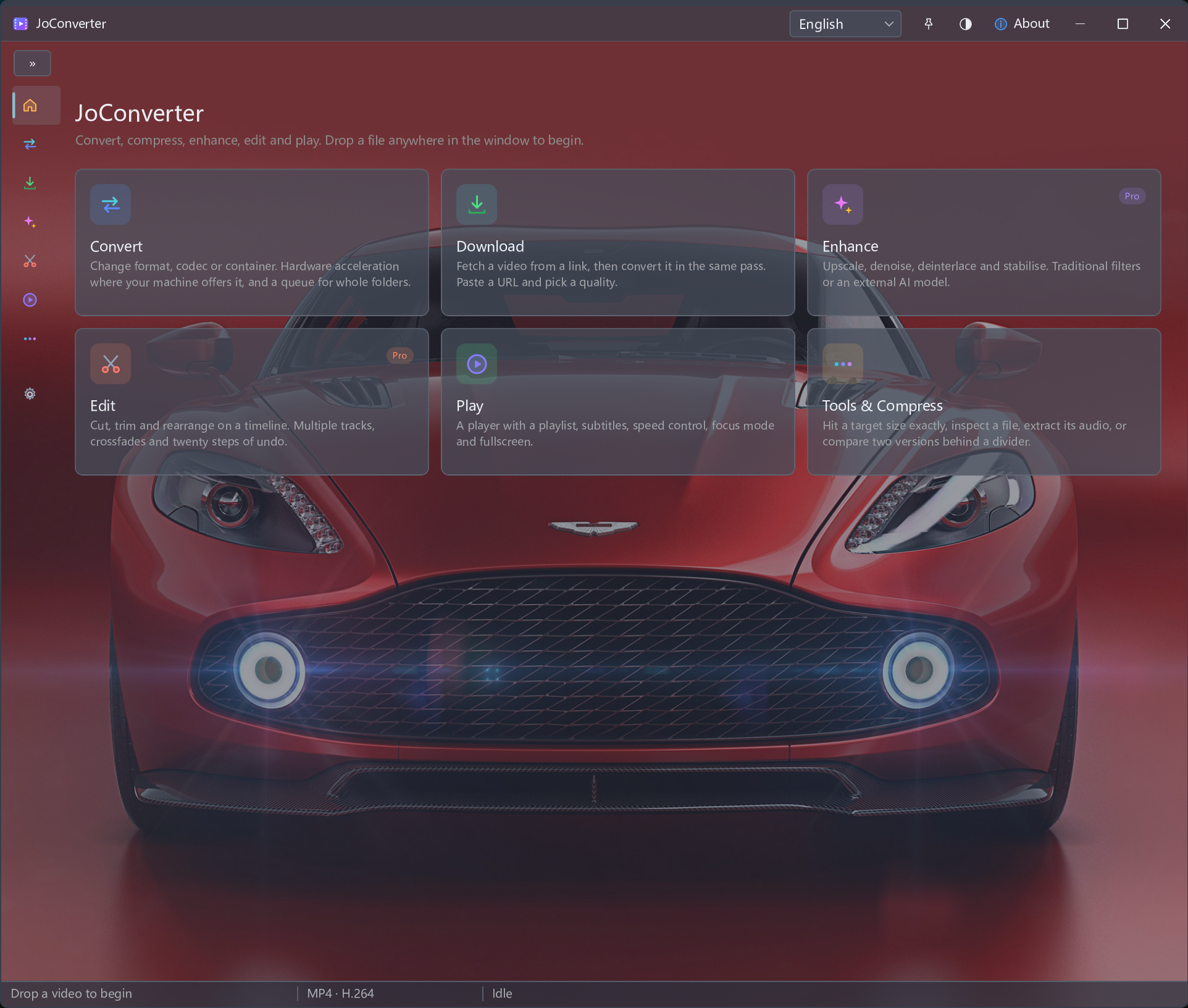
Video tools for your workflow
Choose hardware acceleration, process a batch, or prepare media for playback and sharing. Explore the task that matches your files.
Multi-format video converter
Convert individual videos or a batch between available formats. Choose supported hardware acceleration and an output configuration for your target player.
Hardware-accelerated video converter
Use supported GPU acceleration for video conversion and check the available encoding options for your hardware.
Batch video converter
Process multiple videos in a conversion workflow and reduce repeated setup for similar tasks.
Video downloader for permitted content
Save supported videos you own or are authorized to download, where the source permits downloading. Choose from the available download options, then check the saved file.
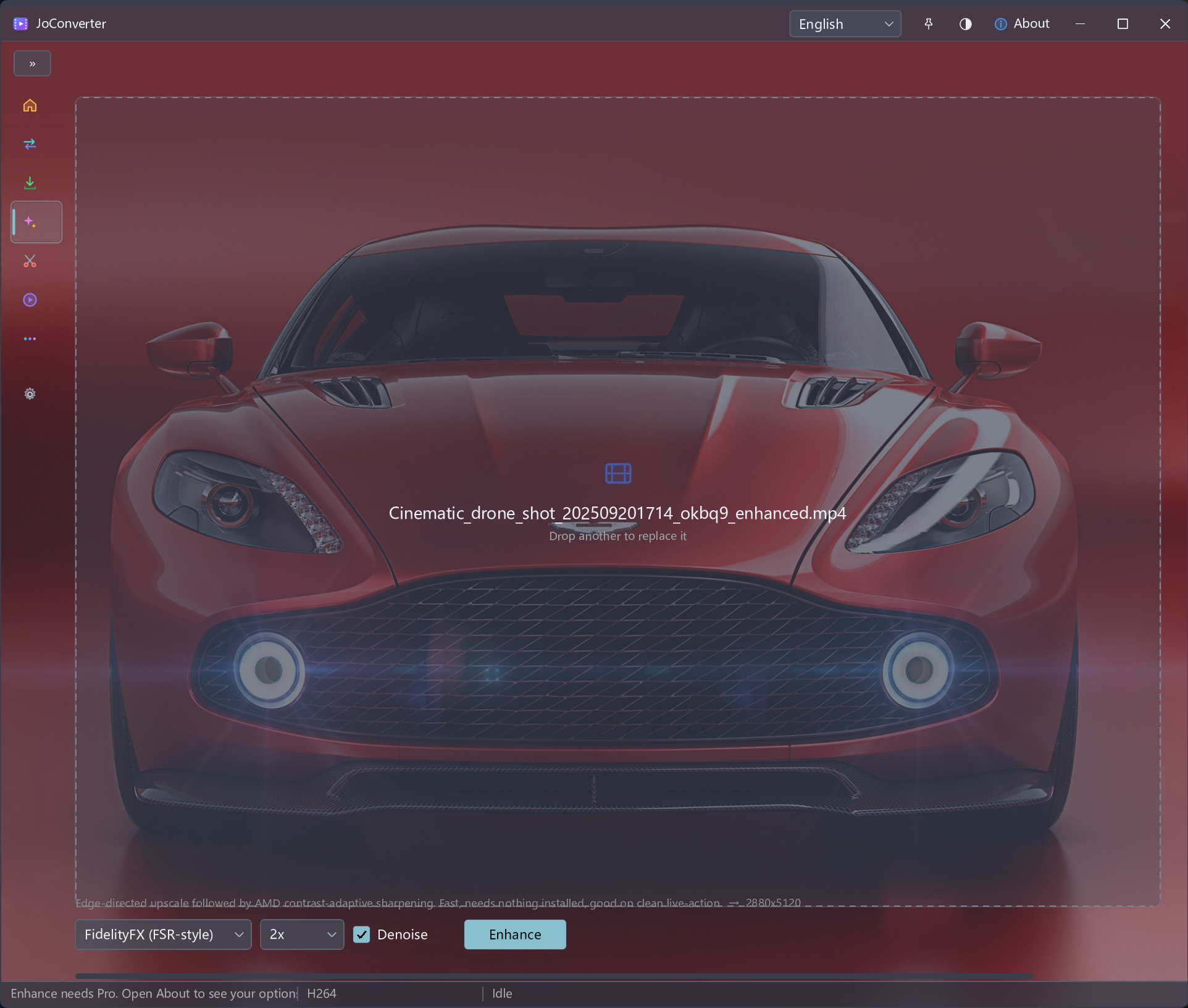
AI video enhancer
Use JoConverter video enhancement to improve the presentation of source footage, then evaluate the result.
Desktop video editor
Edit video content in JoConverter and export it for further use within your media workflow.
Video compressor
Reduce video file size for storage or sharing by choosing compression settings and inspecting the output.
Built-in video player
Play videos in JoConverter and check your converted or downloaded media without leaving the application.
Side-by-side video quality comparison
Compare high- and low-quality versions of the same video side by side to evaluate conversion, compression or enhancement.
Download and convert video for playback or sharing
After saving a permitted video, prepare it for the target player or sharing workflow. Choose an output format, process one file or a batch, and use supported hardware acceleration when available.
From permitted download to converted media
Bring permitted downloads into JoConverter conversion: save supported content, choose an output format, use available hardware acceleration and review the resulting file.
Convert between video and audio formats
MKV to MP4 converter
Prepare MKV videos as MP4 for a target player or sharing workflow. Review video encoding and the audio track you need.
MOV to MP4 converter
Convert MOV footage to MP4 for delivery after editing or for playback on the intended device.
AVI to MP4 converter
Convert AVI recordings to MP4 for playback and sharing with a more suitable output configuration.
WEBM to MP4 converter
Convert WEBM clips to MP4 when your target application or device requires MP4 delivery.
MTS to MP4 converter
Prepare MTS camera footage as MP4 for review, sharing or further editing.
MP4 to MP3 converter
Extract audio from an MP4 video into MP3 for listening or an audio workflow. This output contains audio rather than video.
Common questions
Is hardware acceleration always faster?
Acceleration depends on the GPU, drivers, codec and task. It does not guarantee a fixed speed increase or identical results across devices.
Can conversion preserve all original quality?
Re-encoding can change quality. Output compatibility depends on the format, codec and settings; conversion is not a promise of zero quality loss.
Can every online video be downloaded?
Only download content you own or have permission to download, where the source allows it. Link support and available quality vary. Do not use this workflow to bypass DRM, paywalls or access restrictions.
Does enhancement recover original detail?
Results depend on the source and selected enhancement. Increased resolution does not establish that original detail has been recovered; inspect the processed video.
Before you process
| Component | Requirement / Detail |
|---|---|
| Desktop video converter | Re-encoding can change quality. Output compatibility depends on the format, codec and settings; conversion is not a promise of zero quality loss. |
| Hardware-accelerated video converter | Acceleration depends on the GPU, drivers, codec and task. It does not guarantee a fixed speed increase or identical results across devices. |
| Batch video converter | Processing time varies with the sources, settings and hardware. Check each output rather than assuming every file behaves the same way. |
| Video downloader for desktop | Only download content you own or have permission to download, where the source allows it. Link support and available quality vary. Do not use this workflow to bypass DRM, paywalls or access restrictions. |
| AI video enhancer | Results depend on the source and selected enhancement. Increased resolution does not establish that original detail has been recovered; inspect the processed video. |
| Desktop video editor | Available editing and export options depend on the version. Check the exported video; this page does not promise features beyond the tools available in the app. |
| Video compressor | Smaller files can involve a quality tradeoff. Results depend on source content, format and settings; compression does not always preserve the original appearance. |
| Languages | English · Deutsch · Français · 日本語 · 한국어 · 简体中文 · 繁體中文 |
Build your conversion workflow
Convert video files between multiple formats with supported GPU acceleration and batch processing. Bring permitted downloads into the same workflow for conversion, compression and playback.