JoConverter
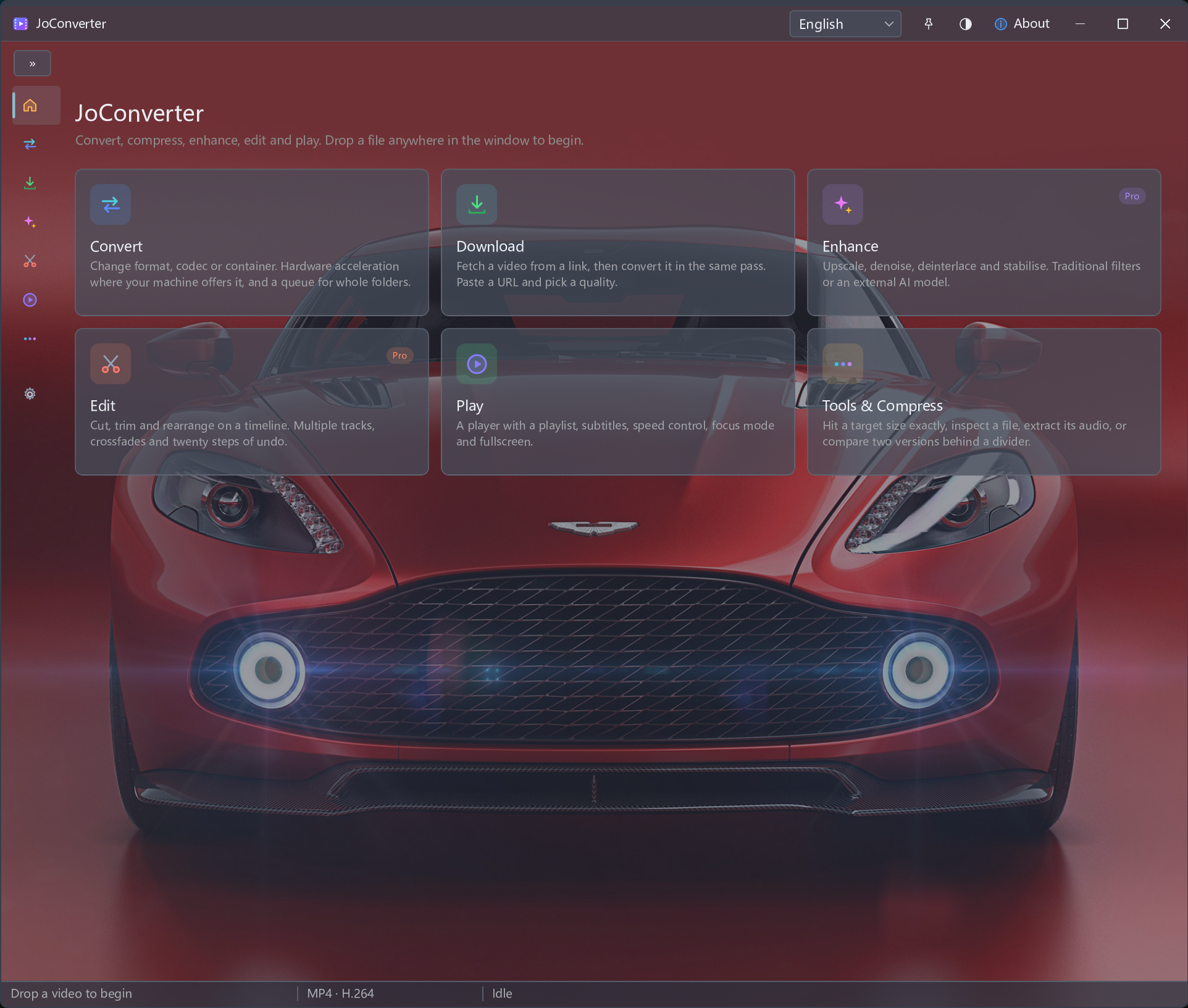
Hardware-accelerated video converter
Use supported GPU acceleration for video conversion and check the available encoding options for your hardware.
How It Works
From permitted download to converted media
- Add a video
- Choose supported acceleration
- Convert and inspect the result
Select one file or a batch, choose available output settings, then convert and check playback.
Before you process
Acceleration depends on the GPU, drivers, codec and task. It does not guarantee a fixed speed increase or identical results across devices.
Video task guides
Build your conversion workflow
Select one file or a batch, choose available output settings, then convert and check playback.