JoConverter
Video upscaling and enhancement
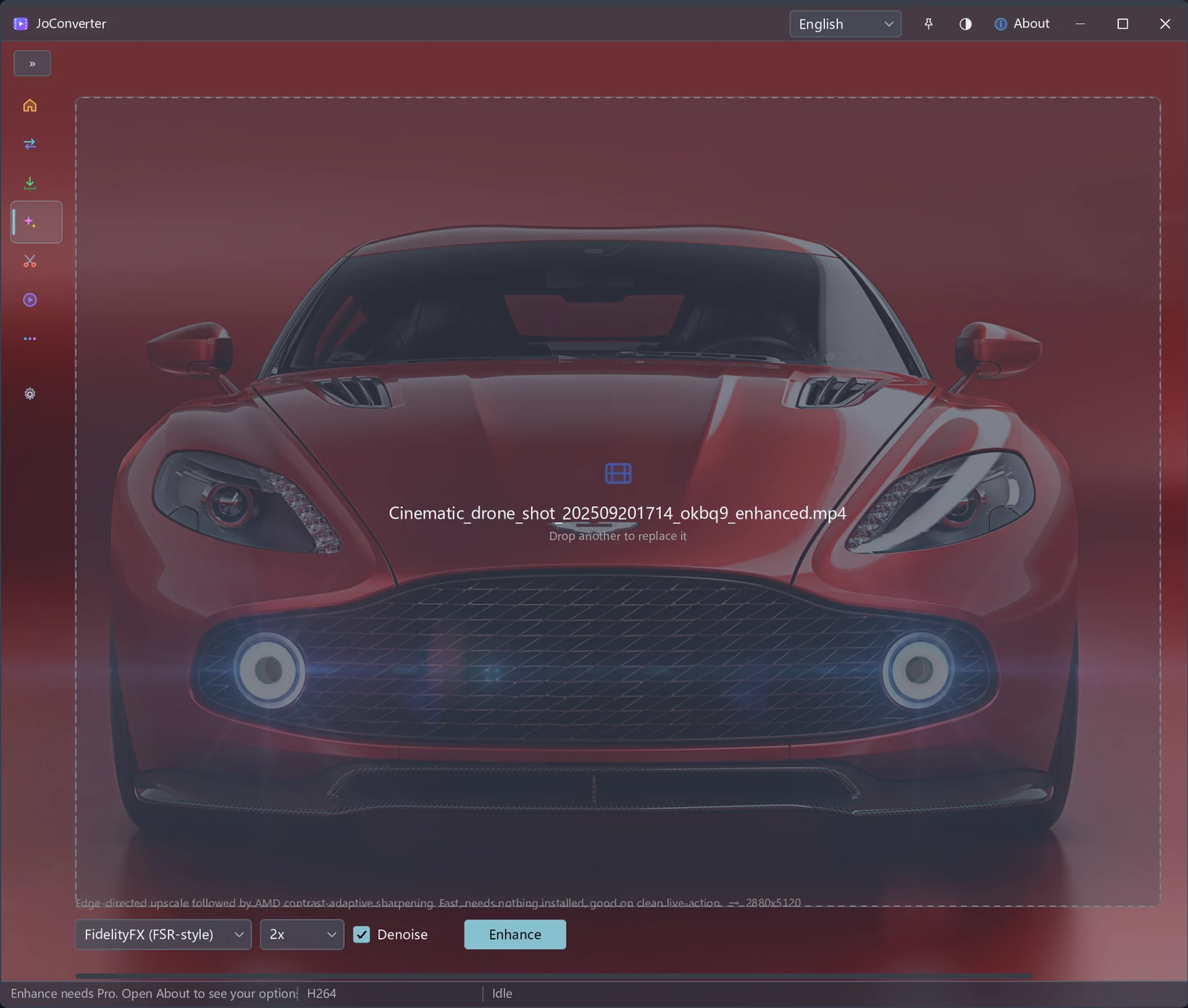
Choose an available enhancement method, scale and optional denoising for your footage.
Before you process
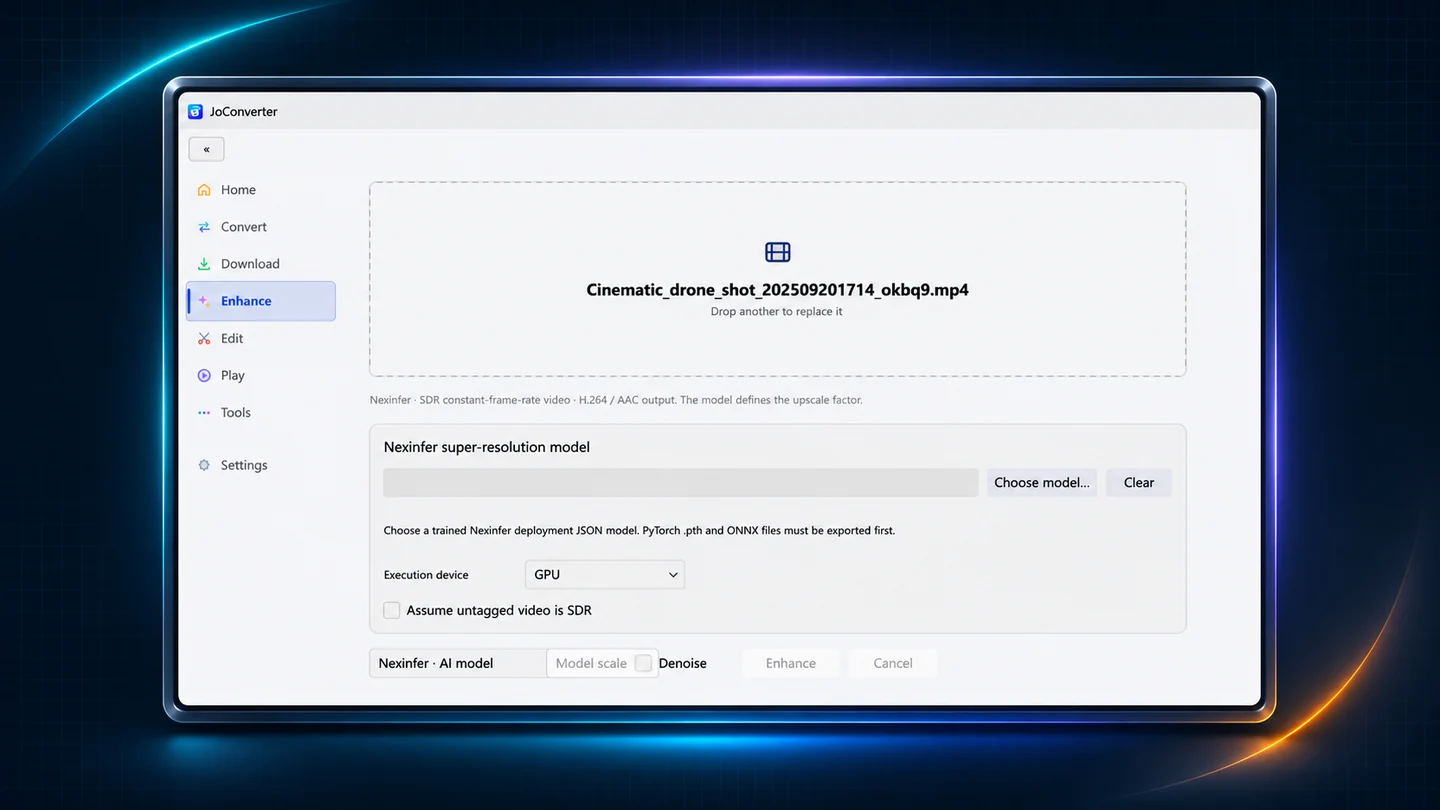
Nexinfer requires the relevant entitlement and a compatible deployment JSON model. CPU is the default, and GPU or Auto depends on the build. This path targets SDR 8-bit progressive constant-frame-rate footage and writes a separate H.264/MP4 file with AAC audio.
How It Works
From permitted download to converted media
- Import a video, check method availability and review supported scales.
- Select and validate a model when required, then enable denoising if needed.
- Run enhancement, monitor progress and compare the new output with the source.
Select one file or a batch, choose available output settings, then convert and check playback.
Video task guides
Build your conversion workflow
Select one file or a batch, choose available output settings, then convert and check playback.