JoConverter
Batch video conversion
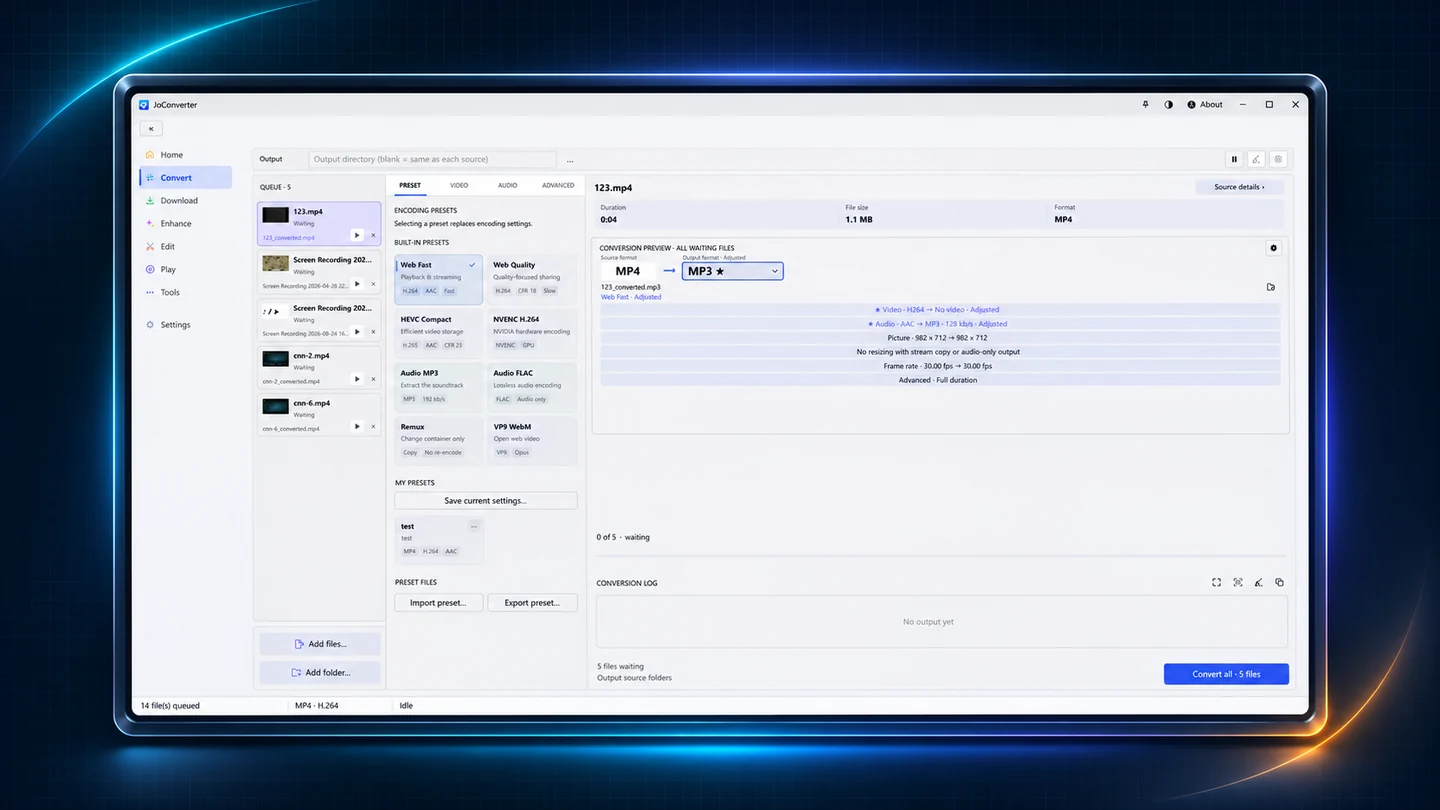
Import files or folders and deliver a queue of videos to a common specification.
Before you process
Changes mainly apply to waiting jobs. Automatic names avoid collisions, and explicitly chosen paths prompt you to resolve conflicts.
How It Works
From permitted download to converted media
- Import files or folders, apply a preset and review the waiting jobs.
- Choose a shared output directory or set a path for an individual job.
- Run Convert all, track each job and open or copy the log if a task fails.
Select one file or a batch, choose available output settings, then convert and check playback.
Video task guides
Build your conversion workflow
Select one file or a batch, choose available output settings, then convert and check playback.