JoConverter
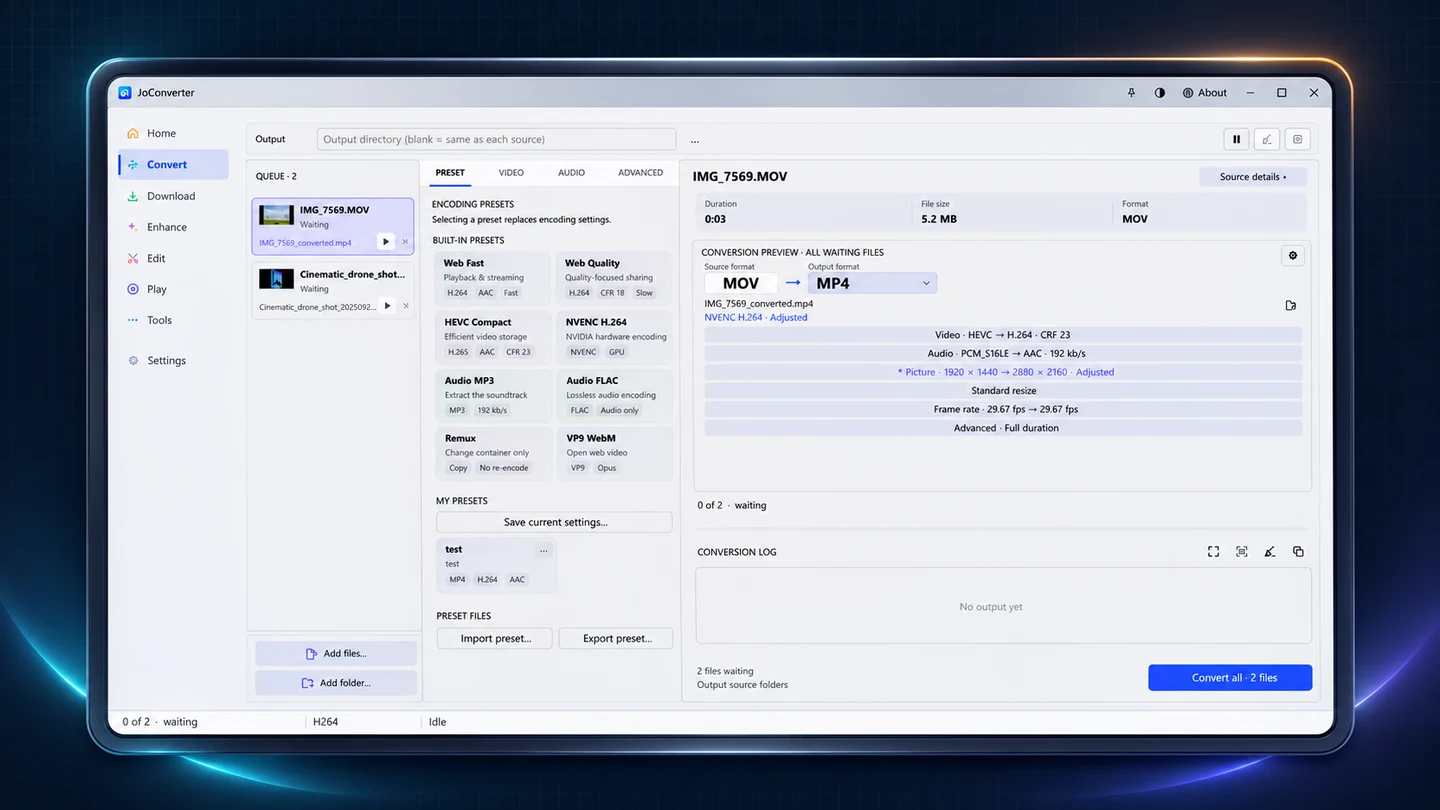
Conversion presets
Save settings you use often and reuse them across jobs or devices.
Common questions
What should I check before starting?
Presets exclude source paths and output directories. Start conversion manually after applying or importing a preset.
How It Works
From permitted download to converted media
- Configure the container, codecs, resolution and audio.
- Save a named preset with a description in My Presets, where you can update, rename or remove it.
- Import or export presets as JSON and review queued settings after applying one.
Select one file or a batch, choose available output settings, then convert and check playback.
Video task guides
Build your conversion workflow
Select one file or a batch, choose available output settings, then convert and check playback.