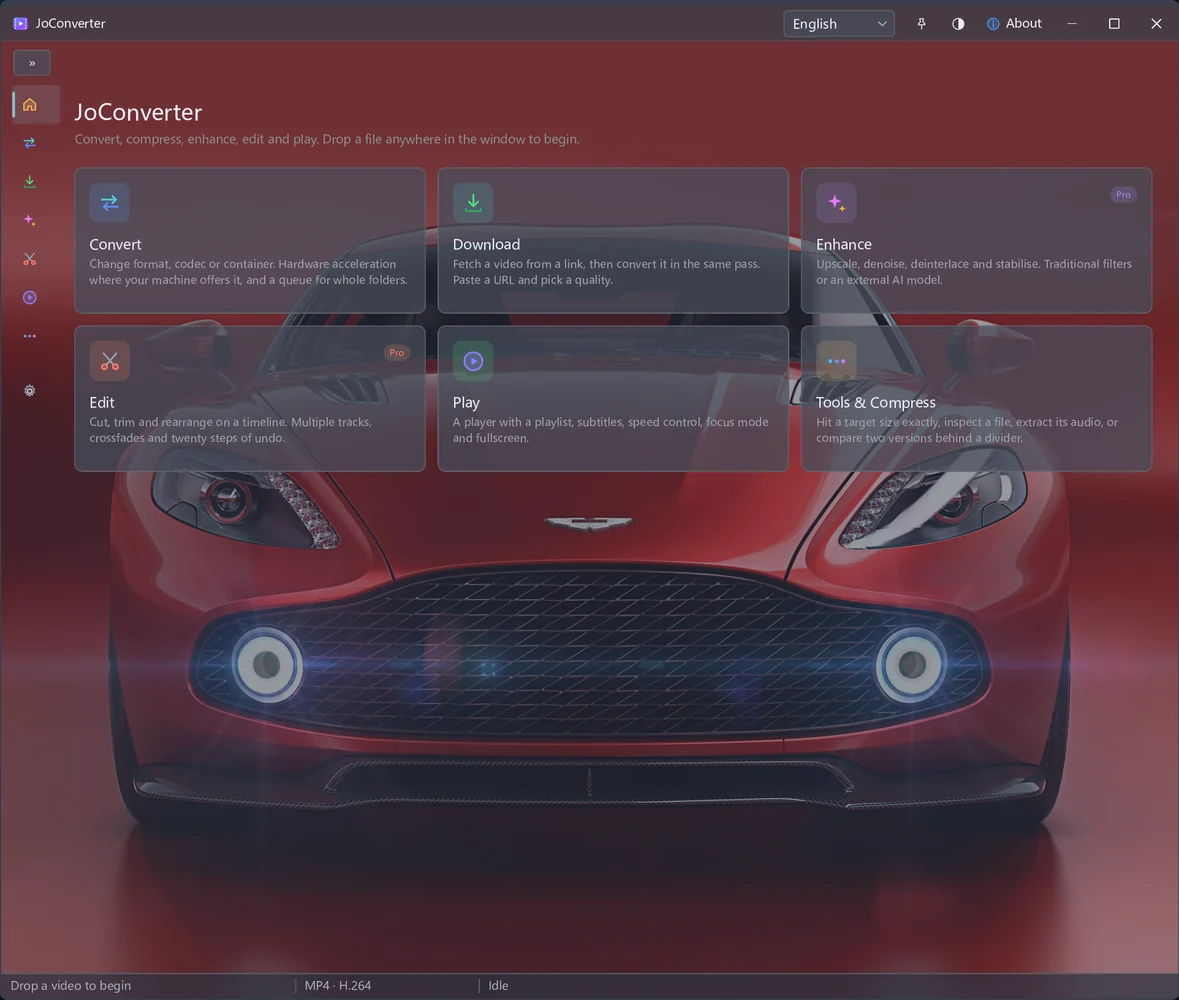
JoConverter
Video conversion
Standardize output with presets, then adjust codecs, resolution and audio for delivery.
Before you process
Hardware encoding depends on your device, drivers and engine. Advanced FFmpeg templates limit conflicting settings. Upscaling uses enhancement only when the size, method and entitlement allow it.
How It Works
From permitted download to converted media
- Add files and inspect the source video, audio and subtitle streams.
- Choose a preset, check the output summary and trim by start time and duration or end time.
- Confirm the output location, convert and review the result.
Select one file or a batch, choose available output settings, then convert and check playback.
Video task guides
Build your conversion workflow
Select one file or a batch, choose available output settings, then convert and check playback.