Start from the saved file
Check that the download is complete and keep the source. Import it into Convert; this workflow describes separate steps and does not promise automatic conversion after downloading.
After saving a permitted video, prepare it for the target player or sharing workflow. Choose an output format, process one file or a batch, and use supported hardware acceleration when available.
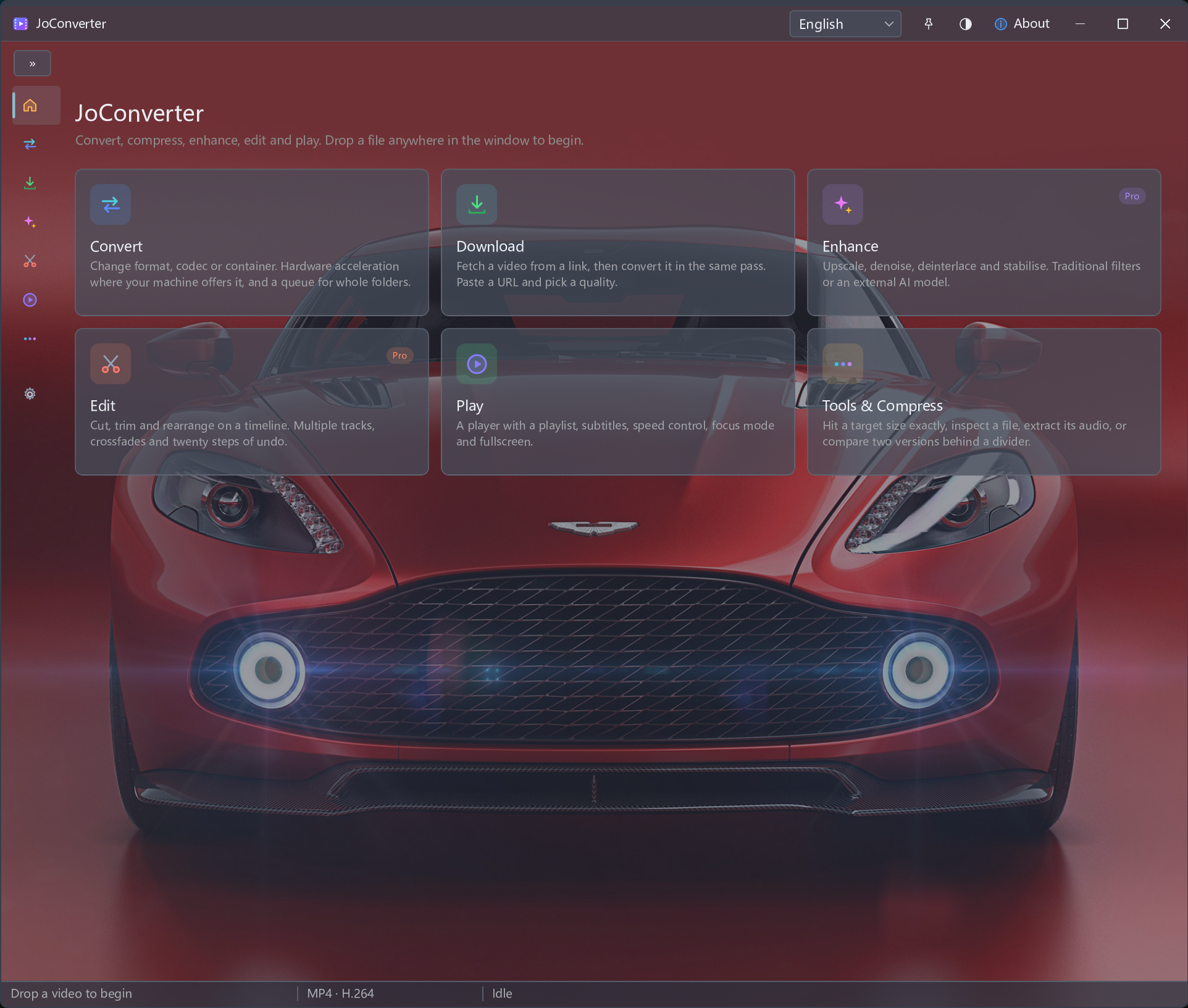
After saving a permitted video, prepare it for the target player or sharing workflow. Choose an output format, process one file or a batch, and use supported hardware acceleration when available.
Only download content you own or have permission to download, where the source allows it. Link support and available quality vary. Do not use this workflow to bypass DRM, paywalls or access restrictions.
Check that the download is complete and keep the source. Import it into Convert; this workflow describes separate steps and does not promise automatic conversion after downloading.
Match the available output format and codec to your target player. Use the MKV, MOV, AVI, WEBM or MTS to MP4 guides for format-specific checks, or MP4 to MP3 when you need audio only.
For several saved files, review the batch settings. Choose hardware acceleration only when supported for the task. Check video, audio and size after conversion; encoding may change quality.
Start from the saved source if it is complete and supported. Import it into Convert and choose an available output configuration.
No. Balance compatibility, file size and visible quality. Test a sample before applying the same output settings to a batch.
After saving a permitted video, prepare it for the target player or sharing workflow. Choose an output format, process one file or a batch, and use supported hardware acceleration when available.