JoConverter
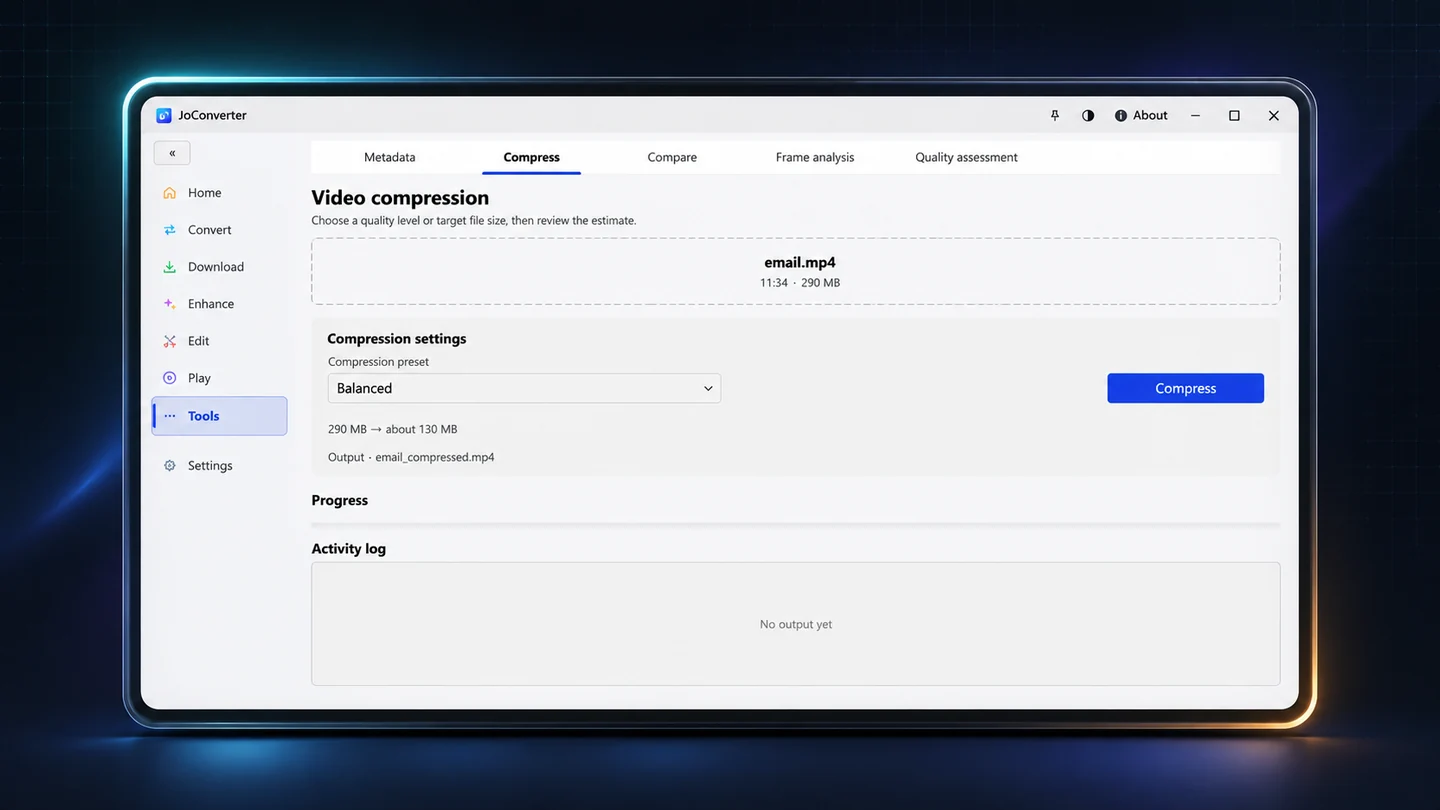
Tools & Compress
Inspect source media, manage file size and review your output.
Common questions
What should I check before starting?
Each tool runs independently. Compression estimates may vary, and quality assessment requires comparable inputs.
How It Works
From permitted download to converted media
- Check the source format and streams.
- Choose a quality tier or target size and create a compressed copy.
- Review output with A
- B comparison or frame analysis, or assess comparable inputs.
Select one file or a batch, choose available output settings, then convert and check playback.
Video task guides
Build your conversion workflow
Select one file or a batch, choose available output settings, then convert and check playback.