Locate watermarks through page elements
List the elements on a PDF page and use the visual view to locate and select the element that contains the watermark.
Inspect pages in a visual workspace and select the watermark you want to remove. Review the affected pages before saving.
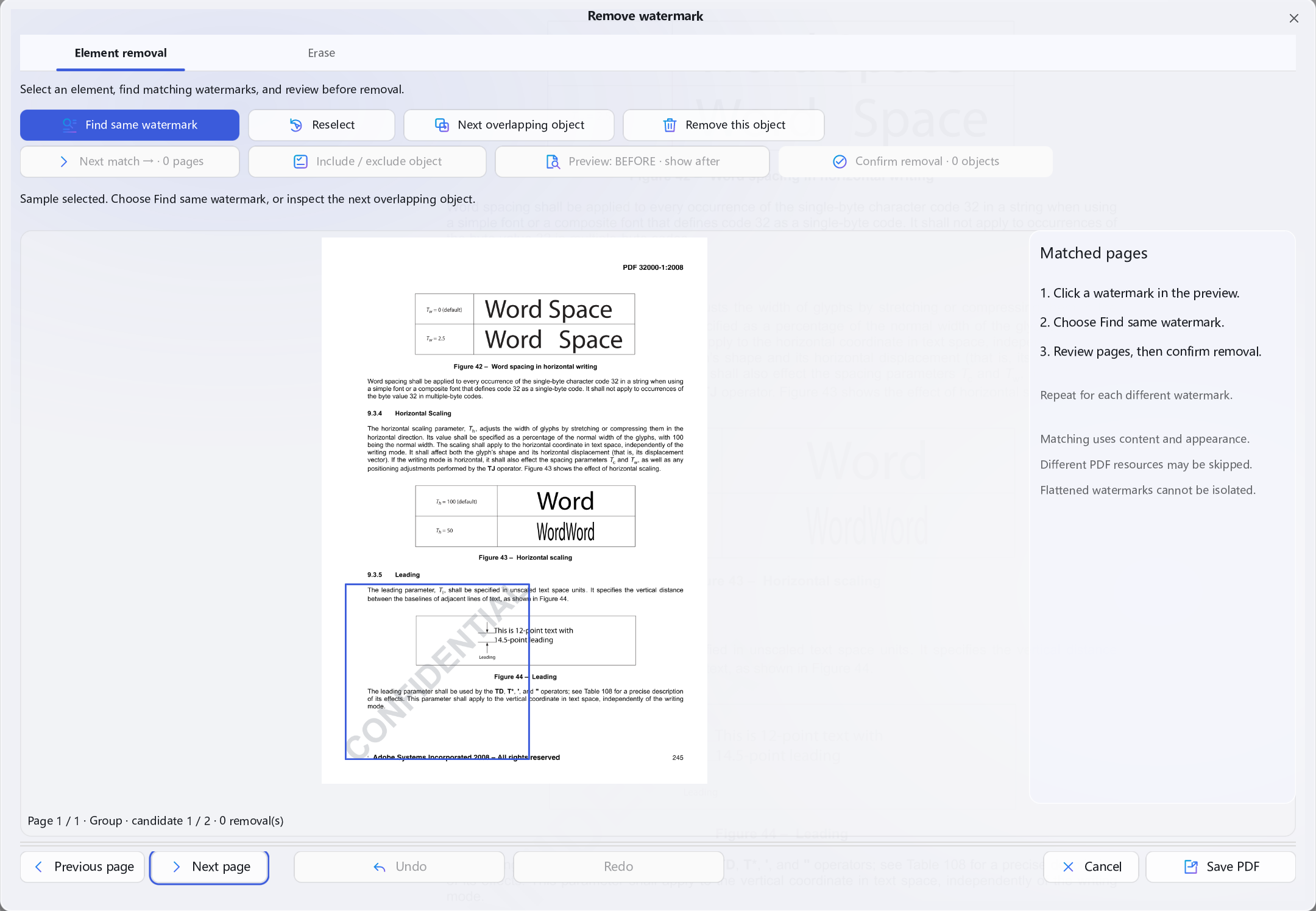
List the elements on a PDF page and use the visual view to locate and select the element that contains the watermark.
Use the selected element to search all pages. Check for a match at the same position on each page, or search across the entire page when the same watermark appears in different positions.
When the watermark and text are part of the same image, the watermark cannot be selected as a separate page element. Use the eraser on the watermarked area of the image.
Turn the erasure result into a reusable sticker and apply it across the PDF to erase the same watermark on other pages.