Select pages while reading
Select page numbers in the reading area and add those pages to the split area as you review the document.
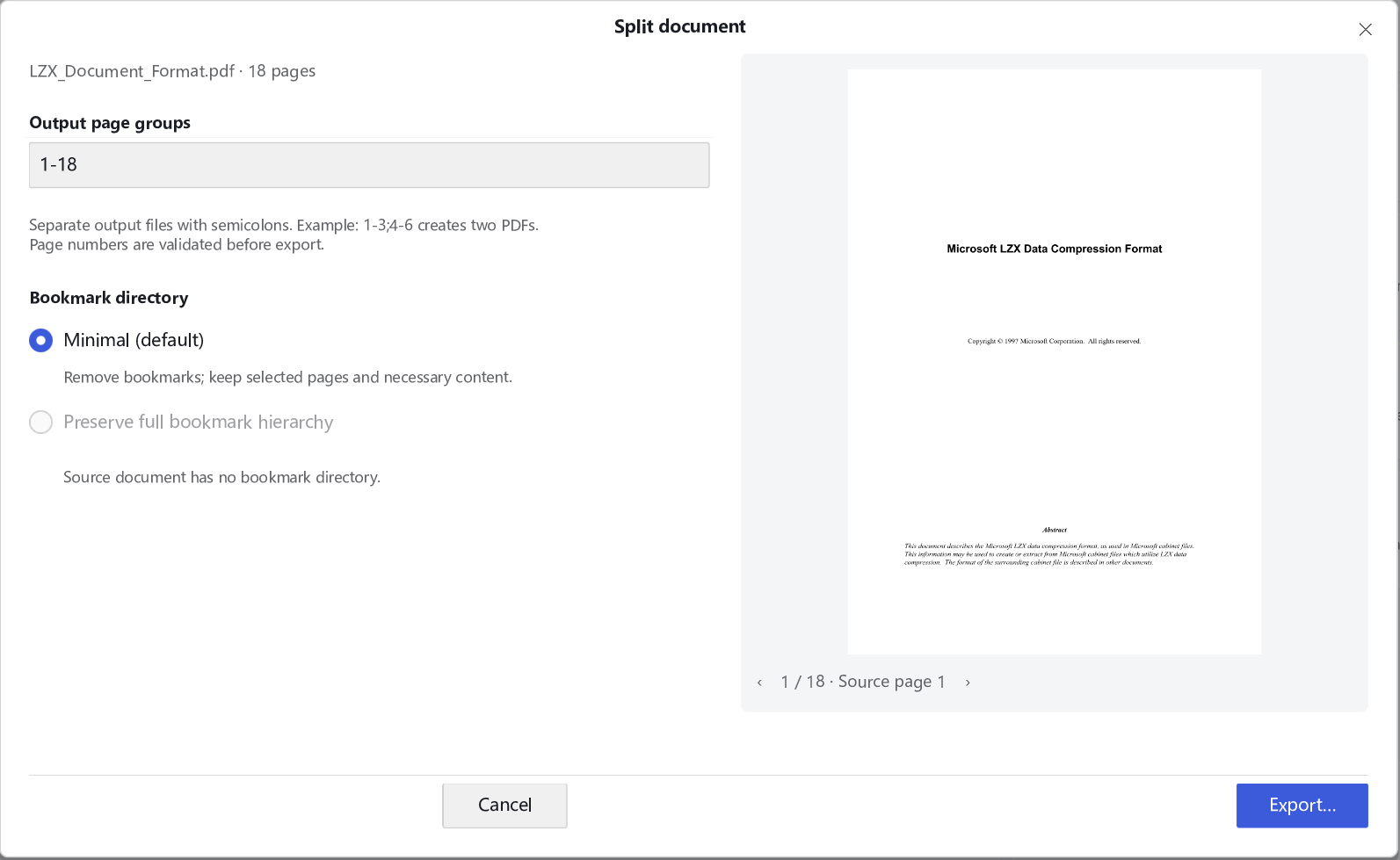
Select pages as you read, preview the split results and choose whether to keep the bookmark hierarchy.
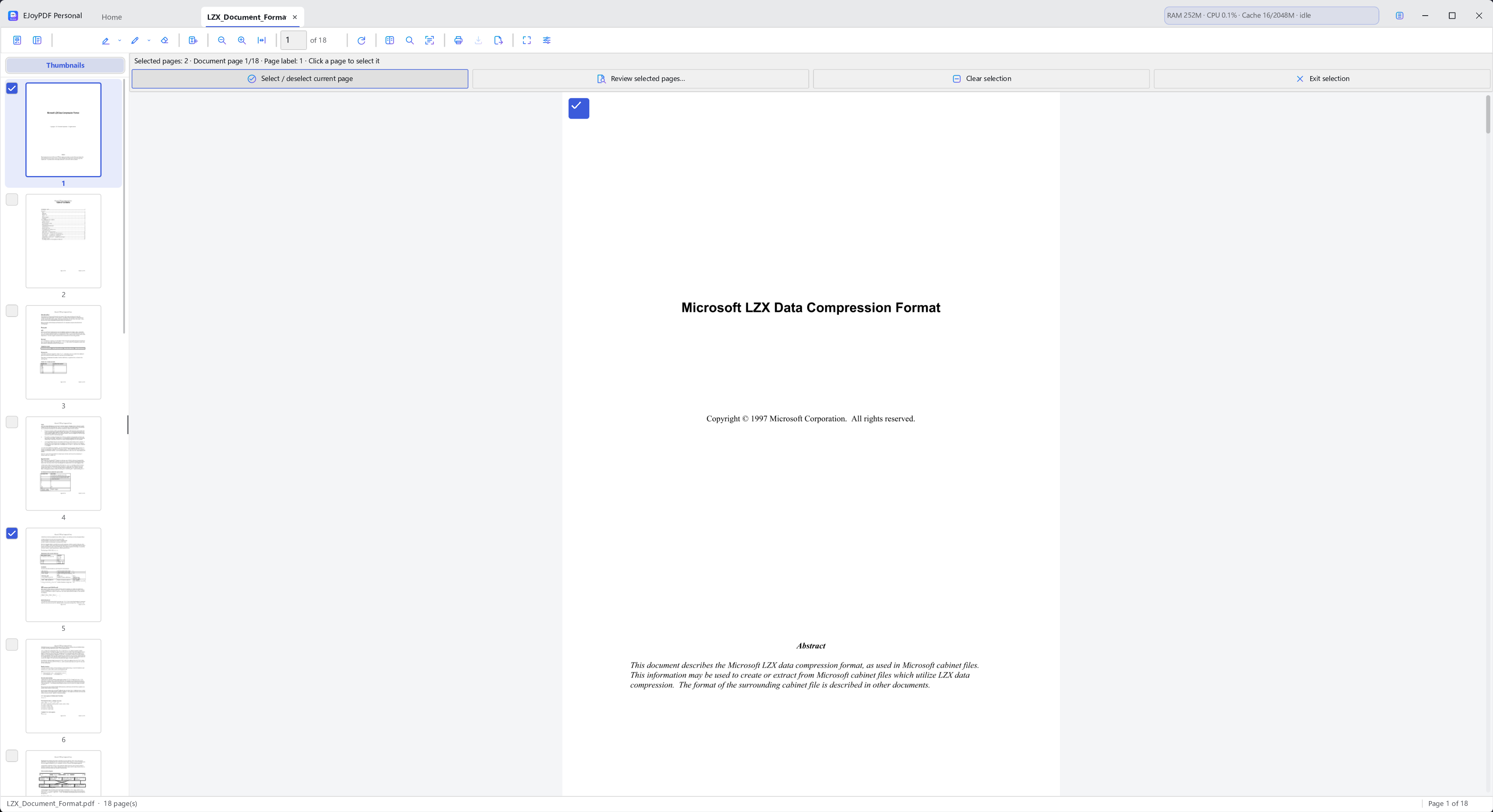
Select page numbers in the reading area and add those pages to the split area as you review the document.
Preview the pages in the resulting PDFs before saving. Check that each output contains the intended pages in the right order.
Choose the minimal-content option to keep the selected pages and omit bookmarks and other document-level information.
Choose the full-content option to preserve the selected pages’ full content and the complete bookmark hierarchy.