Convert Markdown directly to PDF
Open a Markdown file and export it directly as a PDF. Use this for notes, technical documentation or reports.
Export Markdown notes and documentation as PDF. Headings, lists and code blocks give the exported document a readable structure.
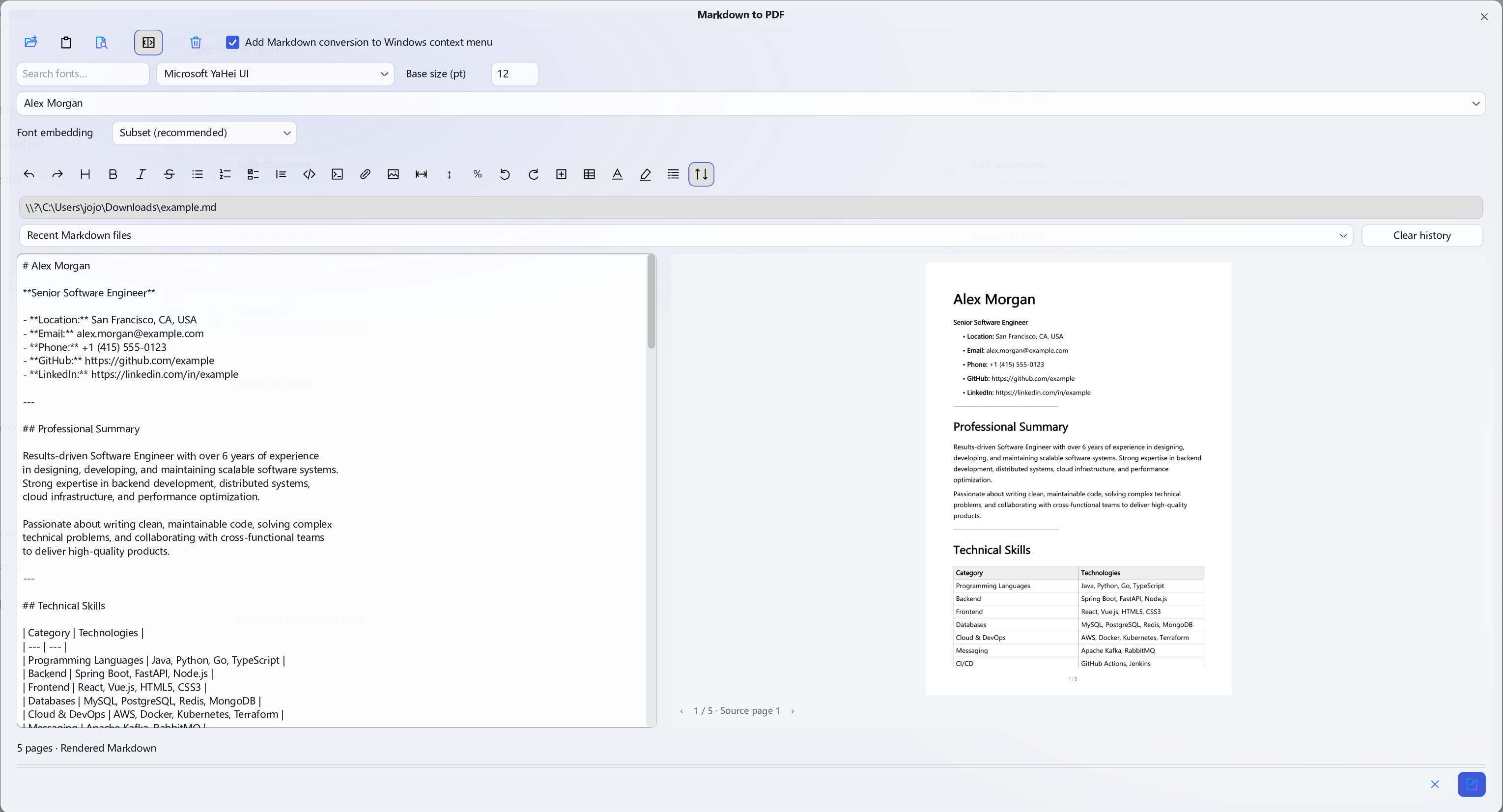
Open a Markdown file and export it directly as a PDF. Use this for notes, technical documentation or reports.
Adjust fonts, colors and layout. Insert links, images, code blocks and tables, and resize or rotate images. Preview how the document will look in PDF before exporting.
Use the Markdown heading hierarchy to build a PDF outline. Embed the full font, embed a subset containing the characters used, or leave fonts unembedded so the PDF reader selects the fonts for display.
Use the recent-file list to reopen a Markdown document and continue editing or export it again.