Edit fields in a PDF
Update form fields directly in a PDF. Finance teams can enter or correct amounts, dates and other details in payment requests or expense forms.
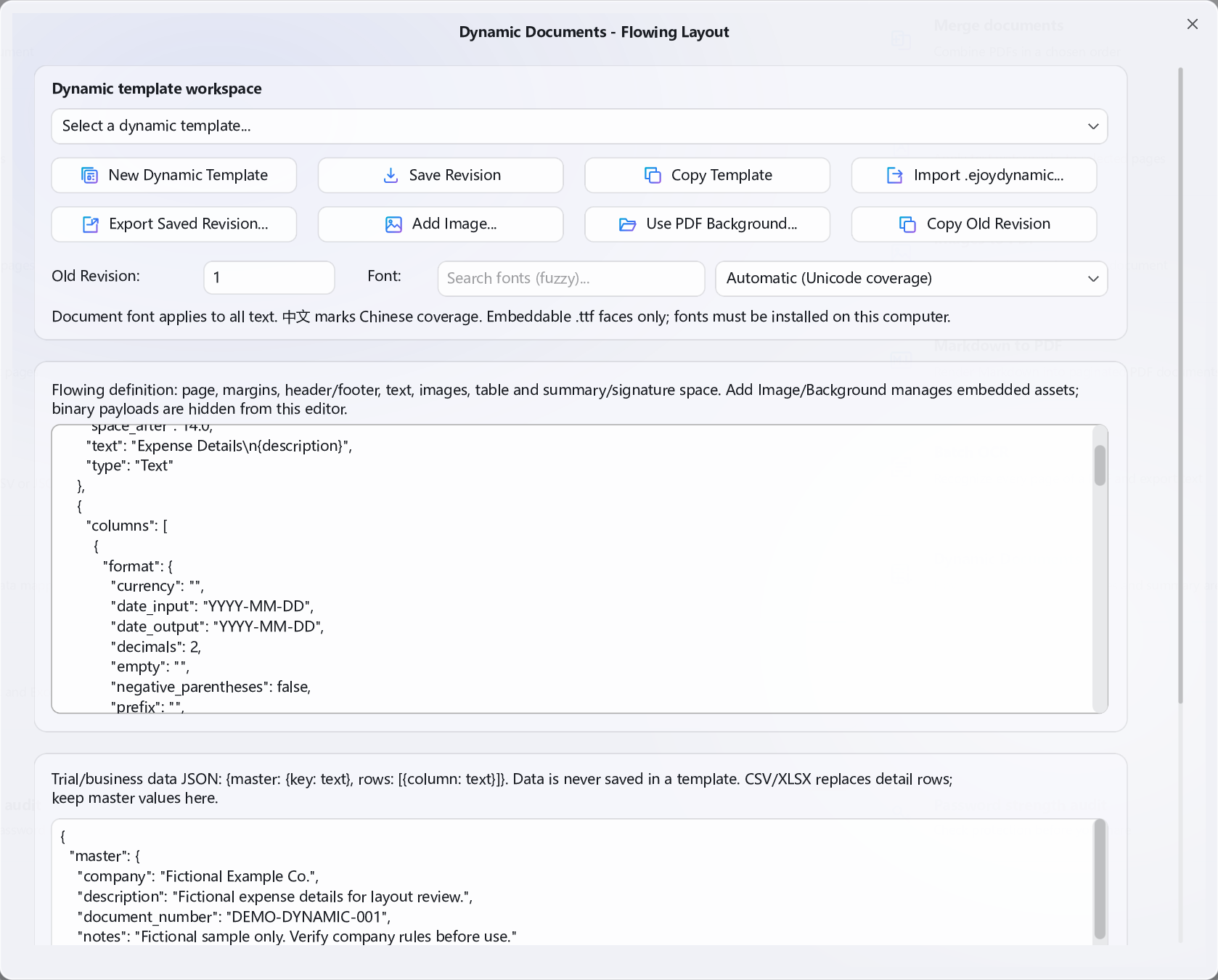
Work with individual PDF forms or process multiple forms as a batch. Reuse dynamic form templates across records that share a document structure.
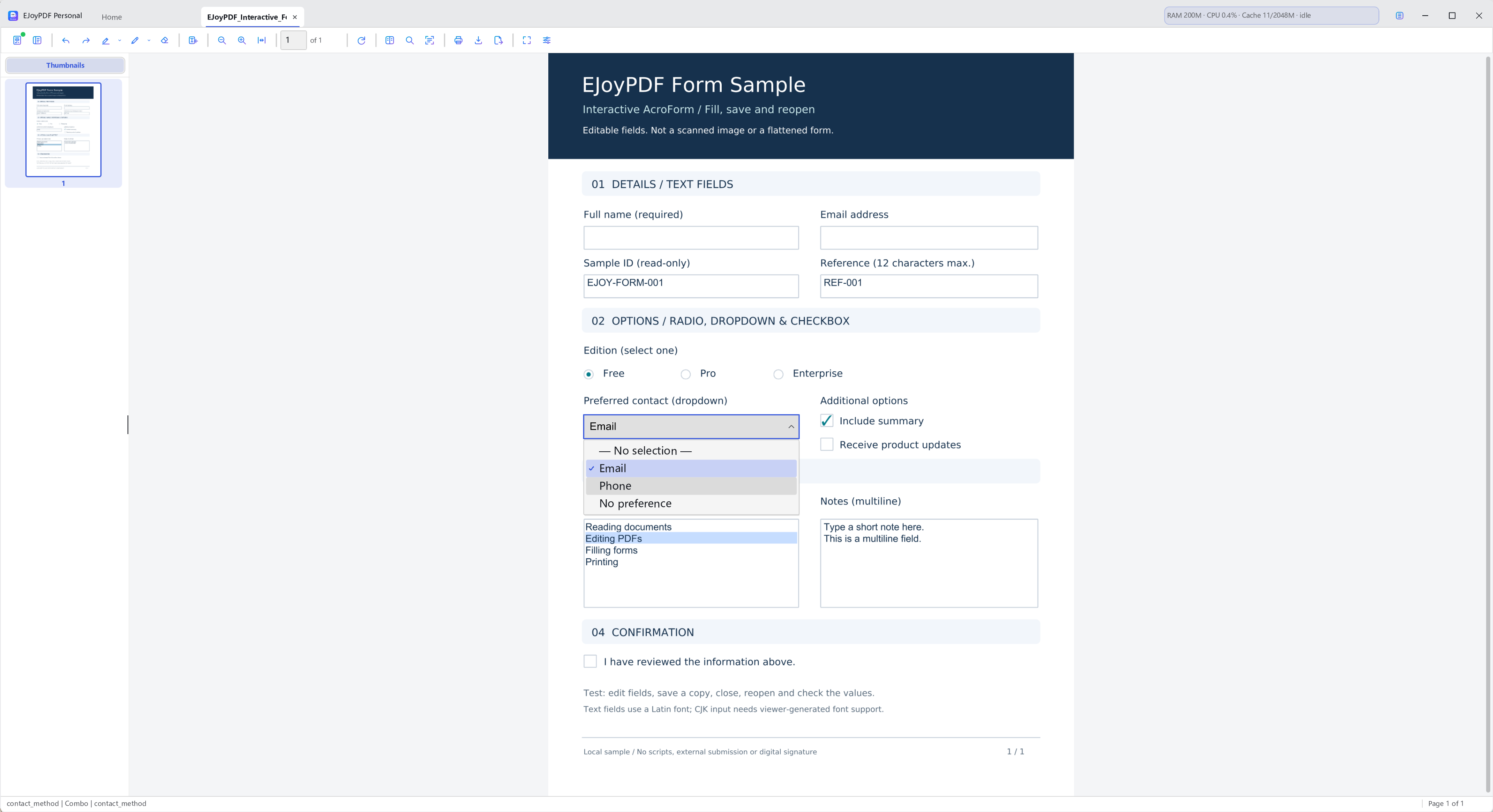
Update form fields directly in a PDF. Finance teams can enter or correct amounts, dates and other details in payment requests or expense forms.
Use rows from an Excel list to fill PDF form fields in batches. Generate forms for multiple records without entering the same data one document at a time.
Generate dynamic form layouts and customize the fields and arrangement for your workflow, such as an internal reimbursement or payment request form.
Use an existing PDF form as the starting point for a new template. Reuse its layout and fields, then adapt the template for future documents.